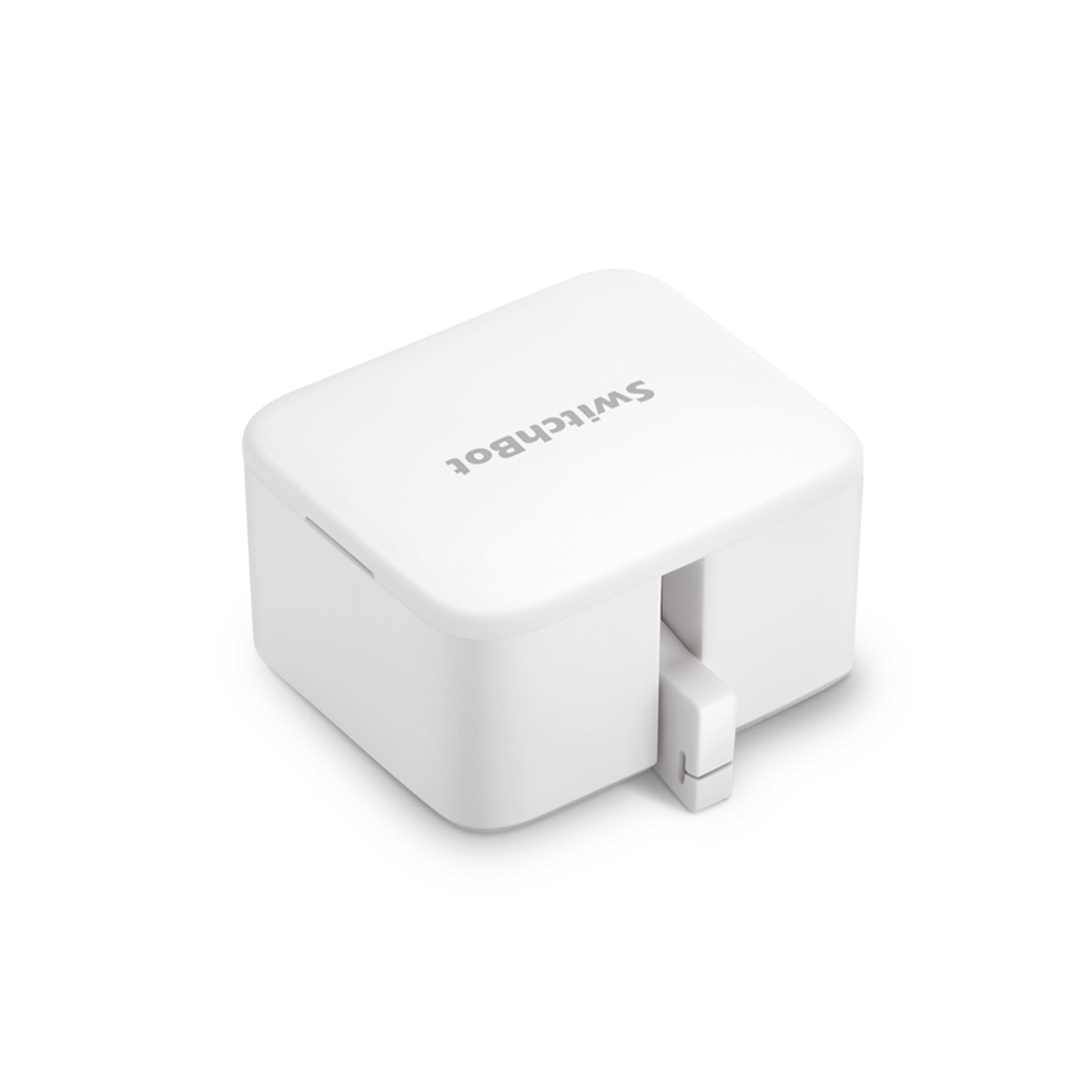
Bluetooth button pusher · exact-product guide
SwitchBot Bot: button compatibility, hub requirements and Canadian buying guide
SwitchBot Bot physically pushes an existing button or, with the included add-on, can pull a compatible rocker switch back. It is a practical retrofit only when the mounting surface, arm travel, required force and safe behaviour of the appliance are verified first.
This partner link opens the exact Canadian SwitchBot Bot page in a new tab; no search or sibling-variant selection is required.
Paid CJ affiliate link; commission never changes our analysis. Verified September 1, 2026.Short answer
A good low-cost retrofit for a dry indoor button that needs no more than 8 N and remains safe if operated remotely or on a timer. Bluetooth app control and built-in schedules work without a hub; remote access, voice assistants, unlimited timers and Matter bridging require a compatible SwitchBot hub.
Verified specifications
The facts that change the decision
- Exact size and weight
- 43 × 37 × 24 mm · 42 g
- Maximum pressing force
- Up to 8 N
- Mechanical modes
- Press Mode or Switch Mode with the supplied pull-back add-on
- Power
- One non-rechargeable CR2 3 V lithium battery
- Published battery estimate
- Up to 600 days at 25°C and two actions per day
- Local functions
- Bluetooth app control and built-in timers work without a hub
- Hub-required functions
- Remote control, Alexa, Google Assistant, Siri Shortcuts, IFTTT, unlimited timers and Matter bridging
- Matter path
- Bot is exposed through a compatible Matter-enabled SwitchBot hub; it is not a direct Matter device
- Installation wait
- Press the adhesive for at least two minutes, then wait 24 hours before use
- Conservative environment
- Dry indoor room · 10°C to 45°C from the safety specification
Good fit
This product may fit if…
- The exact button or rocker moves freely with less than 8 N and leaves room for the complete Bot body.
- The mounting area is flat, rigid, clean, dry, cool and large enough for the full adhesive pad.
- The appliance remains safe after an unexpected, delayed or repeated press.
- You can begin with local Bluetooth and add a hub only for the remote functions you will use.
Stop before buying
Do not order yet if…
- The control is touch-sensitive, sliding, recessed, unusually stiff, aged or requires more than 8 N.
- The only available surface is curved, dusty, damp, hot, textured, loose wallpaper or fabric.
- An accidental command could create danger with a heater, stove, sauna, medical device, garage door or other unsupervised equipment.
- You need confirmation of the appliance's real state; Bot performs a physical action but cannot inherently verify the result.
Installation
Five-step verification plan
- 1
Measure the available flat area, manually test the button force and photograph the intended arm position.
- 2
Temporarily align the Bot without removing the adhesive liner and confirm that the 120-degree arm travel clears nearby edges.
- 3
Clean and dry the cool surface, press the adhesive firmly for at least two minutes and leave it unloaded for 24 hours.
- 4
Configure Press or Switch Mode locally and test multiple cycles while supervising the appliance.
- 5
Add schedules, remote access, voice or Matter only after the mechanical installation is reliable and its failure modes are safe.
After installation
What ownership requires
- Inspect adhesive creep and arm alignment periodically, especially after heat, vibration or repeated high-force presses.
- Replace the CR2 with a stable 3 V lithium battery; SwitchBot does not recommend rechargeable cells for this device.
- Re-test the real appliance state after power failures, firmware changes, battery replacement and automation edits.
FAQ
Questions before buying
Does SwitchBot Bot need a hub?
Not for nearby Bluetooth app control or built-in timers. A compatible hub is required for control away from home, voice assistants, IFTTT, unlimited timers and Matter integration.
Can it turn a rocker switch both on and off?
Sometimes. Switch Mode uses the supplied add-on to pull the switch back, but the exact rocker geometry, adhesive position, movement and required force must be proven on the specific switch.
Can Bot verify that the appliance actually turned on?
No. It knows that it attempted the configured arm action, not necessarily the appliance's final electrical or mechanical state. Use a separate suitable sensor when state confirmation matters.
Verified compatibility
Useful companion products
Add these products only for the function described on the page. A hub is not automatically required for every use.
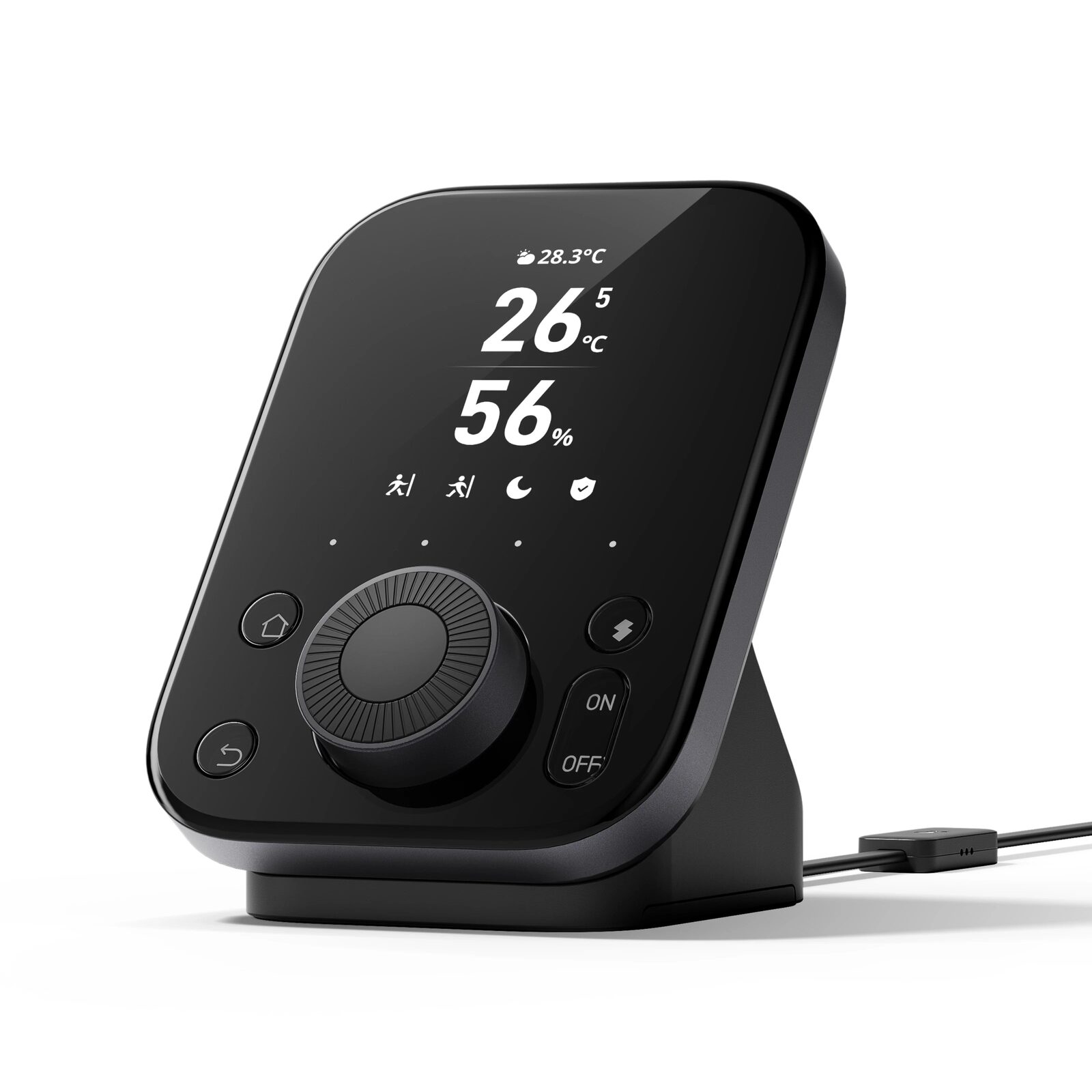
SwitchBot Hub 3
Matter bridge, infrared remote, scene controller and indoor climate display for a connected SwitchBot home.