Our bilingual Canadian guides turn real constraints into a shortlist you can defend, including smart heating, water protection, no-subscription cameras, floor robots, pet care, lawns, pools and SwitchBot plans. Every guide is independent of retailer commission.
The RoboStead rule
An unknown fact stays unknown. A hard incompatibility cannot be rescued by popularity, price or commission.
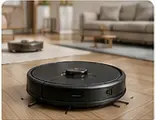
Real-use category photograph. Guide advice applies to the environment, not one pictured model.
Floor robots · 8 minute check
01Measure before choosing a robot vacuum
Suction figures do not tell you whether a robot will clear your furniture, cross a transition or leave enough room around its dock. Start with the home, then compare features.
What this guide covers
Measure the lowest furniture clearance in millimetres and compare it with the robot’s full height.
Measure ordinary thresholds separately from double-layer transitions; marketing maximums are not interchangeable.
Reserve floor, side and overhead clearance for the dock, including lid and tank access.
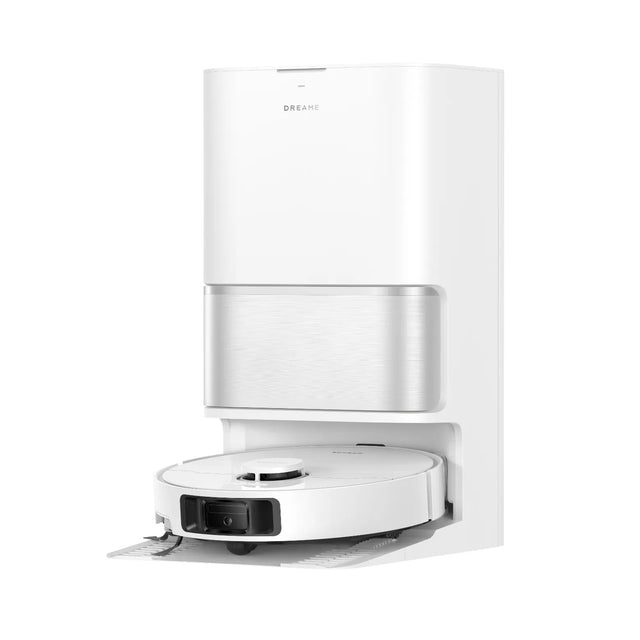
Relevant official mediaDreame L40 Ultra Gen2, one exact model reviewed in the guideSource · Dreame Canada
Canada 2026 · three role-based picks plus a separate MOVA catalogue
02Dreame vs Roborock vs iRobot: choose by the home, not the brand
There is no automatic universal winner. This Canadian comparison assigns a useful role to each of its three exact models and exposes the decisive limits; MOVA's newly verified range is covered in a separate current catalogue.
What this guide covers
Measure the lowest furniture clearance and compare it with 79.8 mm, 97 mm and 106 mm rather than relying on a low-profile label.
Measure every ordinary threshold separately and do not confuse it with a double-layer marketing maximum.
Decide whether an RGB camera is acceptable before giving obstacle recognition any weight.
04Robot vacuum with or without a self-cleaning dock: which one is worth it?
Charging, auto-empty, mop-washing and plumbed docks automate different chores. Compare the work truly removed, floor space, consumables, noise and maintenance before paying for the largest station.
What this guide covers
List the chores the dock must automate.
Measure floor, side and overhead service clearance.
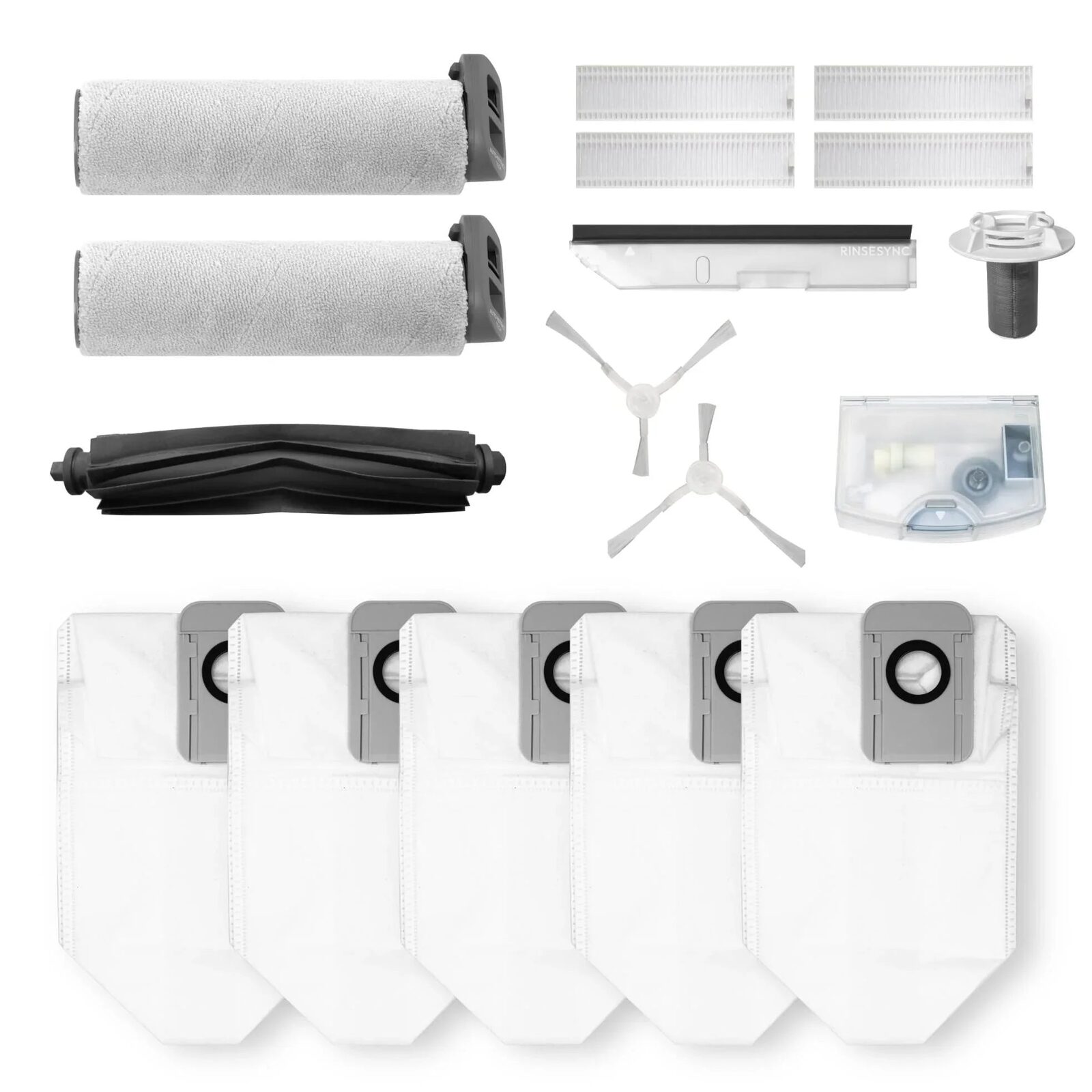
Check bag, detergent and mop replacement availability.
05Robot vacuum for pet hair and carpets: what actually matters?
Suction alone does not establish hair handling, dry-carpet protection or pet-waste avoidance. Brush design, mop behaviour, verified recognition and replacement parts decide the practical fit.
What this guide covers
Identify long hair, short hair and fine undercoat separately.
Inspect the main and side brush anti-tangle design.
06Camera in a robot vacuum: useful feature or privacy concern?
An RGB camera can improve object classification and enable remote viewing, but it changes the privacy decision. Compare image sensors, non-image sensing, storage, cloud dependence and offline functions model by model.
What this guide covers
Confirm whether the exact model has an RGB camera.
Separate navigation sensing from object classification.
Check image storage and local versus cloud processing.
Relevant official mediaLitter-Robot 4, one exact litter box reviewed in the guideSource · Whisker Canada
Canada 2026 · six exact models, no forced winner
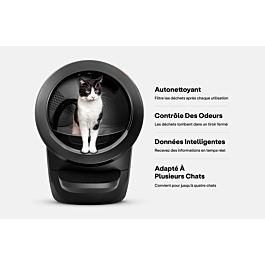
07Best self-cleaning litter boxes in Canada by household fit
Compare six exact models from Whisker, PetSafe, PETKIT, PetSnowy and CATLINK by cat weight, entry, litter, safety and privacy—not by commission or a universal podium.
What this guide covers
Record every cat’s weight and respect the exact automatic-mode minimum and maximum.
Measure entry height, opening and total footprint; include room to empty and clean the unit.
Match the litter type and granule size to the exact sifting mechanism.
Food type, kibble size, number of pets and backup behaviour can rule out a feeder before app or camera features matter. RFID access and camera monitoring are different functions.
What this guide covers
Match dry or wet food to the exact feeder and follow its maximum safe holding time.
Measure representative kibble pieces instead of relying only on a bag description.
Separate physical feeding capacity from the number of pets the app can identify.
Relevant official mediaOfficial Dockstream 2 cleaning and care demonstrationSource · PETLIBRO
Pet fountains · water and maintenance
19Plan cleaning and filters before choosing a fountain
A smart fountain still needs frequent physical cleaning. Capacity, pump design, materials and exact filter availability matter more than notification counts.
What this guide covers
Size water volume for the pets but keep a conservative cleaning and refill schedule.
Confirm whether the pump is submerged, wireless or pump-free and which parts contact water.
Look for an exact filter identifier and realistic Canadian replenishment route.
Real-use category photograph. Guide advice applies to the environment, not one pictured model.
Robot mowers · yard audit
08Choose a wire-free mower for the real yard
Advertised acreage is only a starting point. Trees, buildings, narrow passages, steep sections and the charging-station view of the sky can change whether RTK or vision navigation works reliably.
What this guide covers
Map mowable area rather than total lot size and keep capacity headroom for growth and wet weeks.
Measure the steepest operating section; distinguish percent grade from degrees.
Confirm that the cutting-height range matches the grass type and local seasonal target.
09Boundary wire vs wire-free robot mower: which yard suits each?
A virtual boundary is easier to edit, but a perimeter wire remains relevant for simple, permanent yards and does not depend on satellite reception. Compare installation, reliability, repairs, flexibility and total cost before choosing.
What this guide covers
Decide whether the yard boundaries will change over the next few years.
Map trees, buildings and narrow areas that may affect satellite or vision navigation.
Price the complete wire installation, including professional labour if needed.
12Choose a Mammotion mower by yard, slope and cutting height
Compare nine exact LUBA 2 AWD, YUKA and YUKA mini variants without turning the largest advertised area into an automatic winner. Lawn geometry, seasonal cutting height and winter storage remain part of the decision.
What this guide covers
Map mowable area and keep capacity headroom.
Measure the steepest grade in percent and degrees.
Choose the cutting range for the grass and season.
Canadian driveway, snow and winter-navigation decisions.
1 guides
Original RoboStead illustration
Original editorial winter scene illustrating autonomous driveway snow removalSource · RoboStead
Canada 2026 · driveway-first winter guide
10Robot snow blowers in Canada: choose for the real driveway
A robotic snow blower can automate repeated clearing, but driveway surface, wet snow, municipal plow berms, ice, slope, RTK visibility and severe cold decide whether it can replace part of your winter routine. This guide separates verified capability from open questions before you buy.
What this guide covers
Measure the total clearing area, narrowest passage and steepest grade; separate percent slope from degrees.
Classify every surface as asphalt, concrete, pavers or loose gravel and record uneven transitions.
Plan where snow may be thrown without reaching neighbours, roads, doors, vehicles or already-cleared zones.
Basin fit plus Aiper, Beatbot and WYBOT comparisons.
4 guides
Practical guideStart with the real environment
Real-use category photograph. Guide advice applies to the environment, not one pictured model.
Pool robots · compatibility first
11Match a pool robot to the basin, not the brochure
A floor-only cleaner and a robot that scrubs walls, waterline and surface solve different problems. Pool construction, finish, geometry and debris type matter before runtime.
What this guide covers
Record in-ground or above-ground construction, surface finish and maximum dimensions.
Choose the required cleaning zones: floor, walls, waterline, steps, shallow ledges or surface.
Check whether slopes, drains and rounded transitions are explicitly supported.
13Choose an ECOVACS WINBOT by pane, station and safety setup
Compare four exact Canadian WINBOT identities without treating the largest station as an automatic winner. Usable pane size, cable routing, anchoring and safe retrieval come before convenience features.
What this guide covers
Measure usable glass width and height inside the frame.
Record frames, dividers, handles, seals and nearby obstacles.
Confirm a stable station position and an independent safety-line anchor.
Real-use category photograph. Guide advice applies to the environment, not one pictured model.
Window robots · safety checklist
17Check the pane and safety system before cleaning
Window robots depend on suction, power continuity, edge sensing and a physical safety attachment. Exterior access and frameless glass require more evidence than a generic glass-cleaning claim.
What this guide covers
Measure the smallest pane and compare both dimensions with the published minimum.
Confirm framed or frameless support for the exact operating mode.
Identify a rated anchor point and inspect the tether before every elevated use.
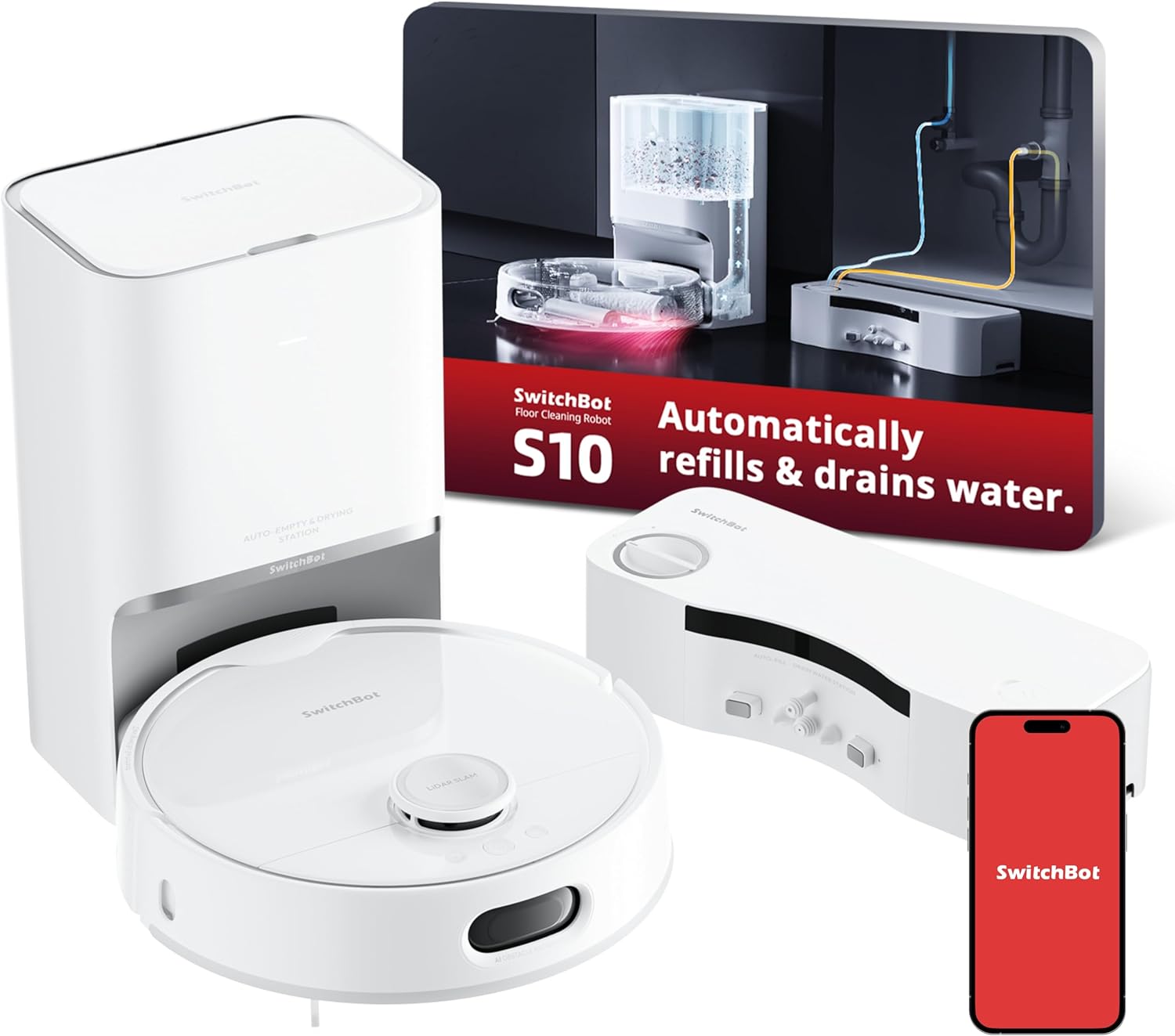
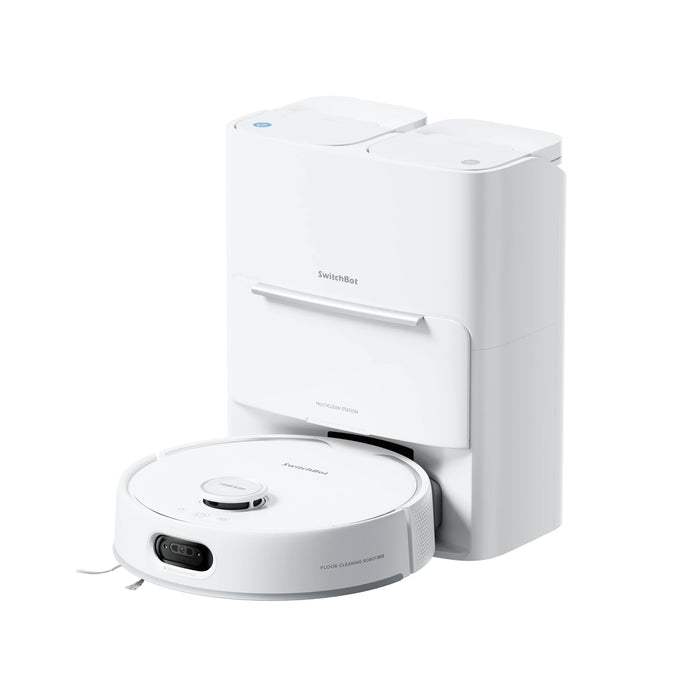
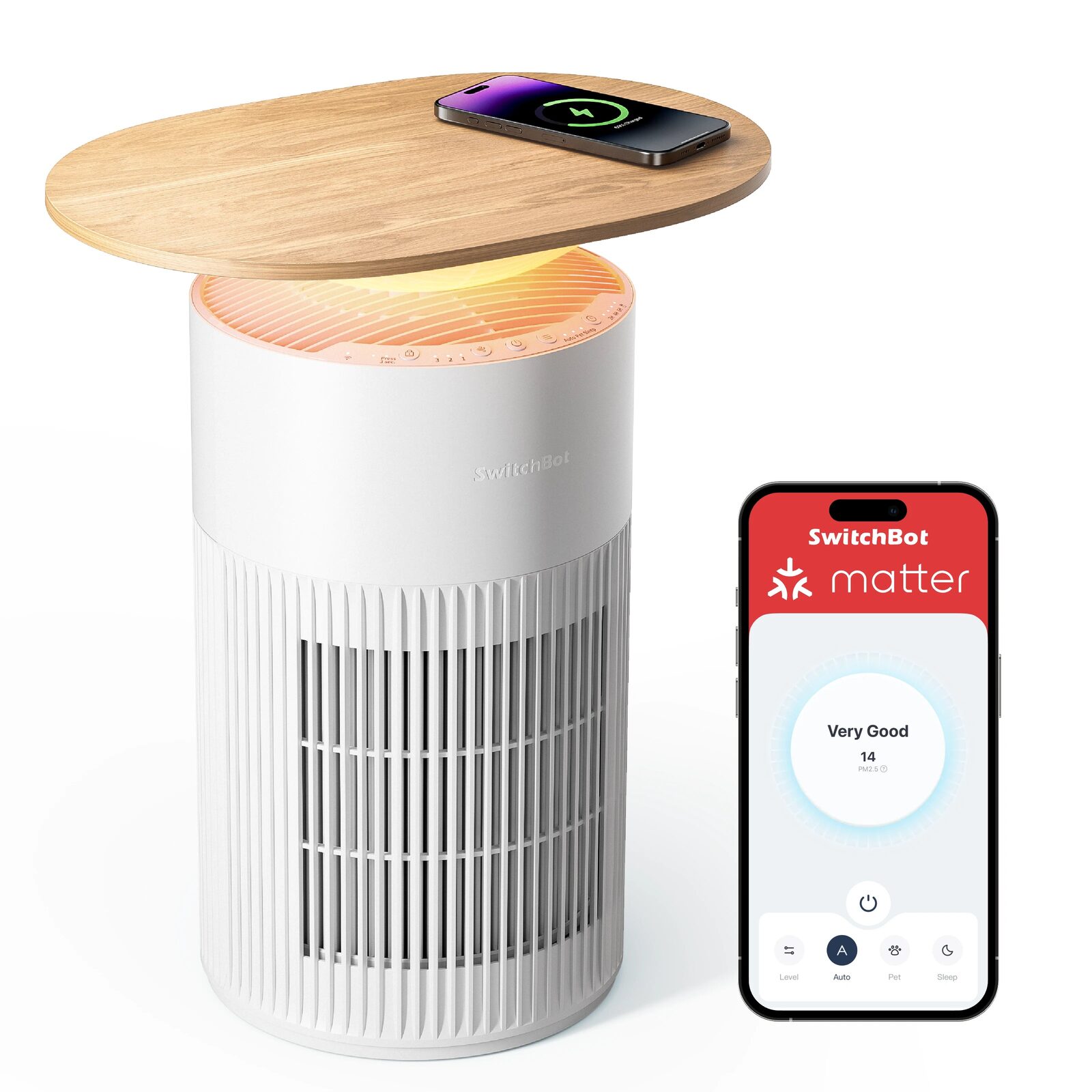
Exact SwitchBot productsSwitchBot S20 and 8 more exact products9 products checked as one practical setup
SwitchBot Canada · nine evidence-led picks
20Best SwitchBot products to automate a Canadian home in 2026
The best SwitchBot product depends on the job: cleaning floors, bridging controls, securing an entry, detecting presence, moving a window covering, measuring air or preventing water damage. This guide names a winner for each role without turning the others into losers.
What this guide covers
Start with one household problem and record the room, dimensions, power, Wi-Fi and manual fallback before choosing a product.
Identify which features work alone and which require Hub 3, another sensor, Matter, cloud access or a subscription.
Open the exact product guide and apply its compatibility stop conditions before using the live price.
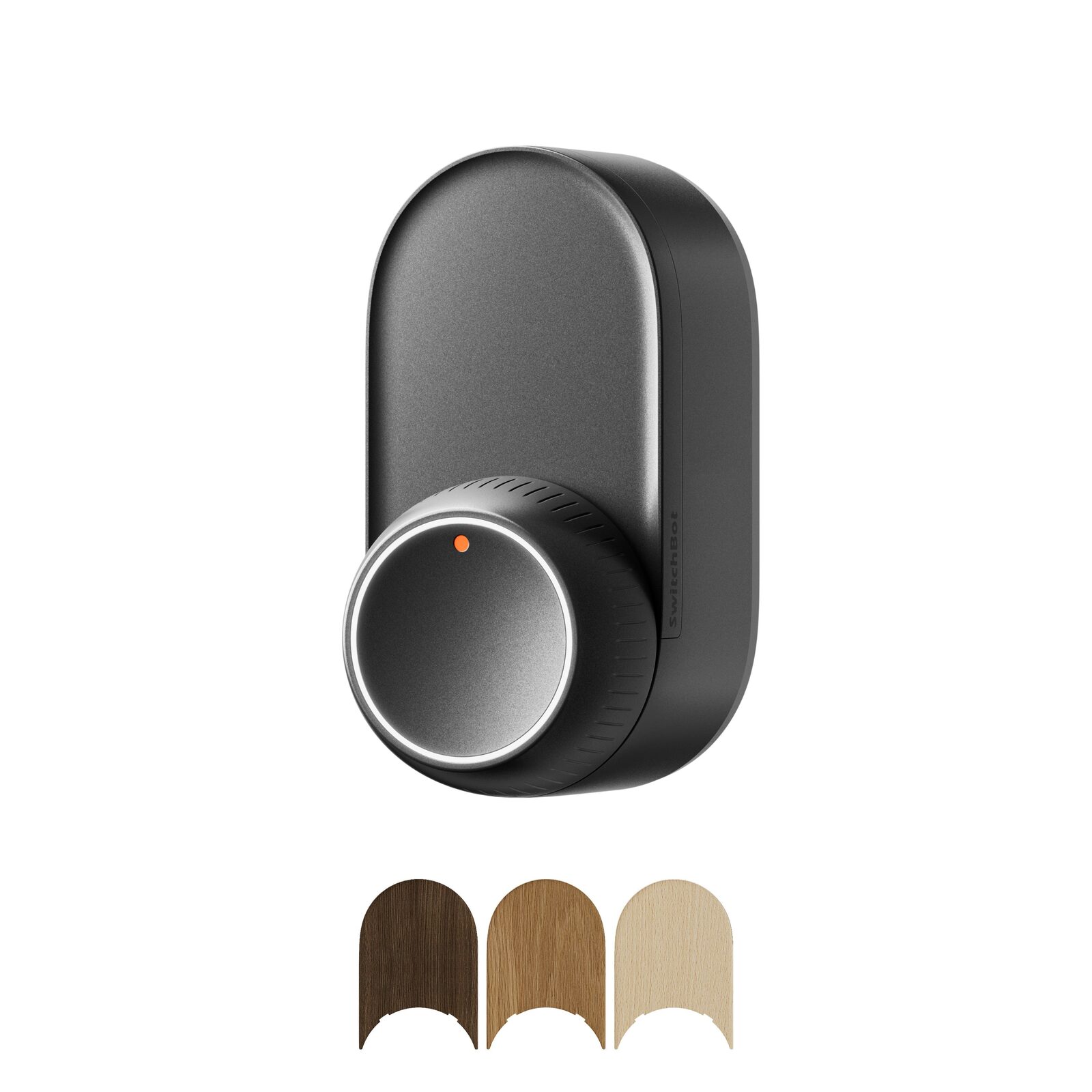
Exact SwitchBot productsSwitchBot Lock Ultra · SwitchBot Smart Video Doorbell · SwitchBot Outdoor Spotlight Cam 2K3 products checked as one practical setup
SwitchBot security · compatibility plan
21Build a SwitchBot entry-security setup without buying the wrong pieces
A retrofit lock, a video doorbell and an outdoor camera cover different parts of an entry. Check the door, power, Wi-Fi, storage and privacy before treating them as one system.
What this guide covers
Confirm the Lock Ultra fits the exact door, cylinder, thumbturn and available interior clearance.
Choose an indoor monitor location with reliable 2.4 GHz Wi-Fi and a practical view for daily use.
Decide between local microSD recording and optional cloud services before comparing monthly cost.
Exact SwitchBot productsSwitchBot Curtain 3 · SwitchBot Roller Shade — S, Grey2 products checked as one practical setup
SwitchBot windows · exact hardware
23Choose the right motor for curtains or roller shades
Curtain 3 moves an existing curtain panel; Roller Shade is a complete shade in a specific size and colour. The room, fabric and opening style determine the real quantity and variant.
What this guide covers
Identify rod, U-rail or I-rail hardware and confirm the exact compatibility dimensions before choosing Curtain 3.
Weigh the curtain panel and count panels; a centre-opening pair normally needs two motors.
Measure the window and confirm the exact Roller Shade width, drop, colour and mounting clearance.
Exact SwitchBot productsSwitchBot Hub 3 · SwitchBot Universal Remote · SwitchBot Bot3 products checked as one practical setup
SwitchBot control · bridge the right signal
24Choose between a hub, a universal remote and a physical button pusher
Hub 3, Universal Remote and Bot solve three different control problems: bridging devices, consolidating commands and physically pressing a legacy control. Start with the signal path.
What this guide covers
Inventory each target device as infrared, Bluetooth, Matter, Wi-Fi or a physical switch before selecting hardware.
Check the exact compatibility list; a universal remote does not guarantee every function on every appliance.
Place the hub or remote where infrared line of sight and Bluetooth range match the real room.
27Sinopé or Mysa for electric baseboards: choose from the circuit, not the app
A practical comparison of Sinopé TH1124WF and Mysa V2 for Canadian line-voltage heating, including load, wiring, room-by-room cost and installation checks.
What this guide covers
Photograph the current thermostat wiring before disconnecting anything and note whether the circuit is 120, 208 or 240 V.
Add the wattage of every baseboard or convector controlled by that single thermostat.
Check the heater type explicitly; a line-voltage thermostat is not automatically compatible with every fan-forced unit.
28Leak detector or automatic water valve: build protection that can actually respond
Compare alerts, floor sensors and whole-home automatic shutoff systems for a Canadian house, condo or cottage, with exact installation and maintenance checks.
What this guide covers
Locate and label the manual main shutoff before buying anything.
Measure the pipe diameter and the straight installation space around the main line.
Map where water would first pool below the water heater, washer, dishwasher, sinks, toilets and sump equipment.
29Reolink or eufy without a subscription: choose the camera system, not just 4K
A Canadian comparison of Reolink Argus PT Ultra and eufyCam S3 Pro for local storage, solar charging, winter use, Wi-Fi, coverage and total system cost.
What this guide covers
Test both 2.4 and 5 GHz Wi-Fi at the exact mounting height with the door closed.
Decide whether one movable view or two simultaneous fixed viewpoints better covers the property.
Choose the recording location: microSD in the camera or storage centralized inside on a HomeBase.
30Can a smart home lower insurance costs in Canada? Published discounts and conditions
A source-based guide to home-insurance discounts for automatic water shutoff, monitored leak sensors and alarm systems, with a calculator that uses your actual premium.
What this guide covers
Ask which exact devices qualify before buying.
Confirm whether automatic shutoff or central monitoring is mandatory.
Request the discount in dollars and as a percentage of the total premium.
31How much can a smart thermostat really save in Quebec?
Calculate realistic annual savings from heating schedules, compare published benchmarks and separate ordinary thermostat savings from Hilo Flex D peak pricing.
What this guide covers
Estimate the annual cost attributable to heating, not the total bill.
Record current setpoints for occupied, sleeping and away periods.
Confirm each thermostat’s voltage, load and heater compatibility.
32Phantom power and smart plugs: how much can you actually save?
Use your electricity bill and measured standby loads to decide where a smart plug or panel monitor can pay off—and which devices should never be cut automatically.
What this guide covers
Measure watts in active, idle and fully off states.
Estimate true unused hours per day.
Identify devices that must remain connected for safety or network access.