Rechargeable smart remote · exact-product guide
SwitchBot Universal Remote: compatibility, hub and Canadian buying guide
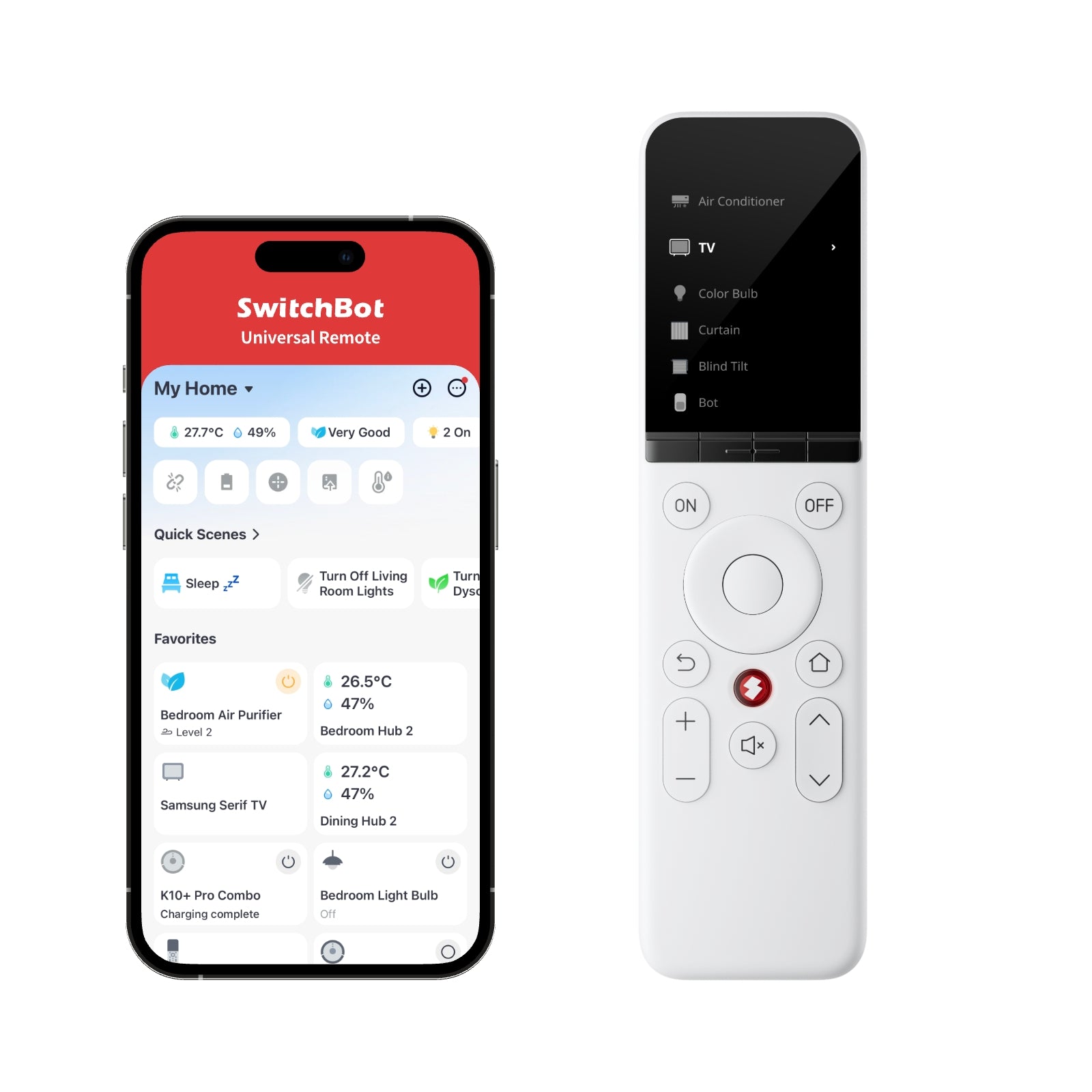
Universal Remote combines infrared appliances, selected streaming players, compatible SwitchBot Bluetooth products and scenes in one physical controller. Its 19 buttons and touch wheel can simplify a living room, but the word “universal” does not guarantee every model, command or automation path.
This partner link opens the exact Canadian SwitchBot Universal Remote page in a new tab; no search or sibling-variant selection is required.
Paid CJ affiliate link; commission never changes our analysis. Verified September 1, 2026.Short answer
A useful replacement only after the exact television, audio system, air conditioner, Apple TV, Fire TV or SwitchBot device has been verified. Full functionality requires a compatible SwitchBot hub. Published Matter support for this remote currently targets Apple Home through Hub 2 or Hub Mini Matter Enabled—not Alexa or Google Home.
Verified specifications
The facts that change the decision
- Exact product / SKU
- SwitchBot Universal Remote · 810150540741
- Controls
- 19 physical buttons plus a touch wheel
- Stored devices
- Up to 10 infrared, 15 Bluetooth and 10 scenes
- Published remote library
- 83,934 supported remote-control models
- Direct streaming-player control
- Apple TV and Fire TV through Bluetooth
- Listed SwitchBot devices
- Bot, Curtain, Curtain 3, Blind Tilt, Color Bulb, LED Strip Light and K10+
- Battery / charging
- 2,000 mAh · USB-C 5V/1A · up to 150 days
- Size / weight
- 50 × 27 × 190 mm · 133 g
- Published range
- Infrared up to 10 m · Bluetooth up to 50 m unobstructed
- Matter limitation
- Apple Home only through Hub 2 or Hub Mini Matter Enabled in the current support documentation
- Published environment
- Indoor · 0°C to 40°C · 0% to 90% RH
Good fit
This product may fit if…
- Your exact infrared appliances appear in SwitchBot's database or can be learned and every essential button passes a real test.
- You want direct physical control of a verified Apple TV or Fire TV without reaching for a phone.
- The exact SwitchBot Bluetooth devices you own are on the current supported-device list.
- You accept keeping original remotes for rare settings and troubleshooting.
Stop before buying
Do not order yet if…
- You assume the product name guarantees compatibility without checking the exact model and required commands.
- You need infrared or streaming-player actions to report a reliable live on/off or input status in the SwitchBot app.
- You expect Bluetooth Apple TV or Fire TV commands to become SwitchBot scenes or automation triggers.
- You need the remote's Matter feature in Alexa or Google Home; current official support specifies Apple Home only.
Installation
Five-step verification plan
- 1
List every original remote, device model, input and command the household uses before buying.
- 2
Verify the exact infrared model, Apple TV or Fire TV generation and SwitchBot Bluetooth product against current support.
- 3
Add the remote in the current SwitchBot app, update firmware and pair the compatible hub required for full functionality.
- 4
Add one device type at a time, synchronize offline data and test power, volume, navigation, inputs and long presses.
- 5
Configure scenes or Apple Home Matter only after local buttons work; keep the original remotes during a full household trial.
After installation
What ownership requires
- Keep original remotes labelled and accessible for device setup, firmware recovery and commands the universal remote does not expose.
- Charge through USB-C before depletion and use Find My Remote before declaring the controller lost.
- After app, firmware or television updates, retest input selection, volume and power-state assumptions.
FAQ
Questions before buying
Does Universal Remote require a hub?
SwitchBot markets the current product as hub-required for full functionality. The hub supplies infrared learning and connected-home features; verify the exact supported hub for the feature you intend to use.
Does its Matter support work with Alexa and Google Home?
Not according to the current Universal Remote support page. It specifies Apple Home through Hub 2 or Hub Mini Matter Enabled, with an iPhone plus HomePod or Apple TV as the Apple home hub.
Will the SwitchBot app always show the real device status?
No. Official support says infrared and Bluetooth remote actions do not update device status in the app. Supported SwitchBot Bluetooth devices can report their status, so do not design critical automation around an assumed infrared state.
Verified compatibility
Useful companion products
Add these products only for the function described on the page. A hub is not automatically required for every use.
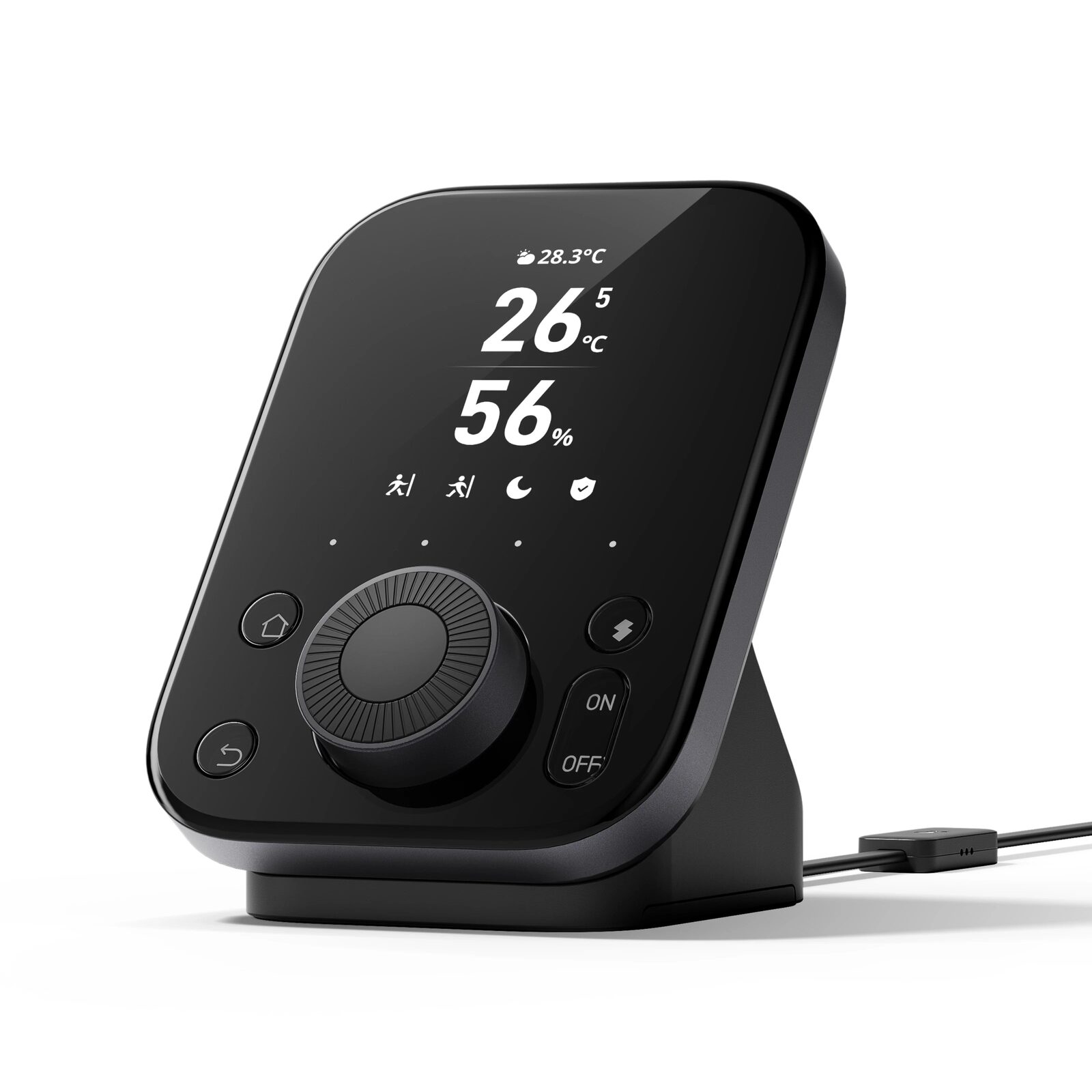
SwitchBot Hub 3
Matter bridge, infrared remote, scene controller and indoor climate display for a connected SwitchBot home.