Exact-product comparison · Canadian edition
SwitchBot Hub 3 vs Universal Remote: which control centre do you need?
Hub 3 and Universal Remote overlap on compatible-device control, but they are not substitutes. Hub 3 is the fixed bridge and automation centre; Universal Remote puts physical controls in your hand and relies on a compatible hub for its complete feature set.
Choose Hub 3 first when you need a Matter bridge, scenes, infrared control and a room display. Choose Universal Remote when the priority is a familiar handheld controller for compatible devices. A complete setup can use both.
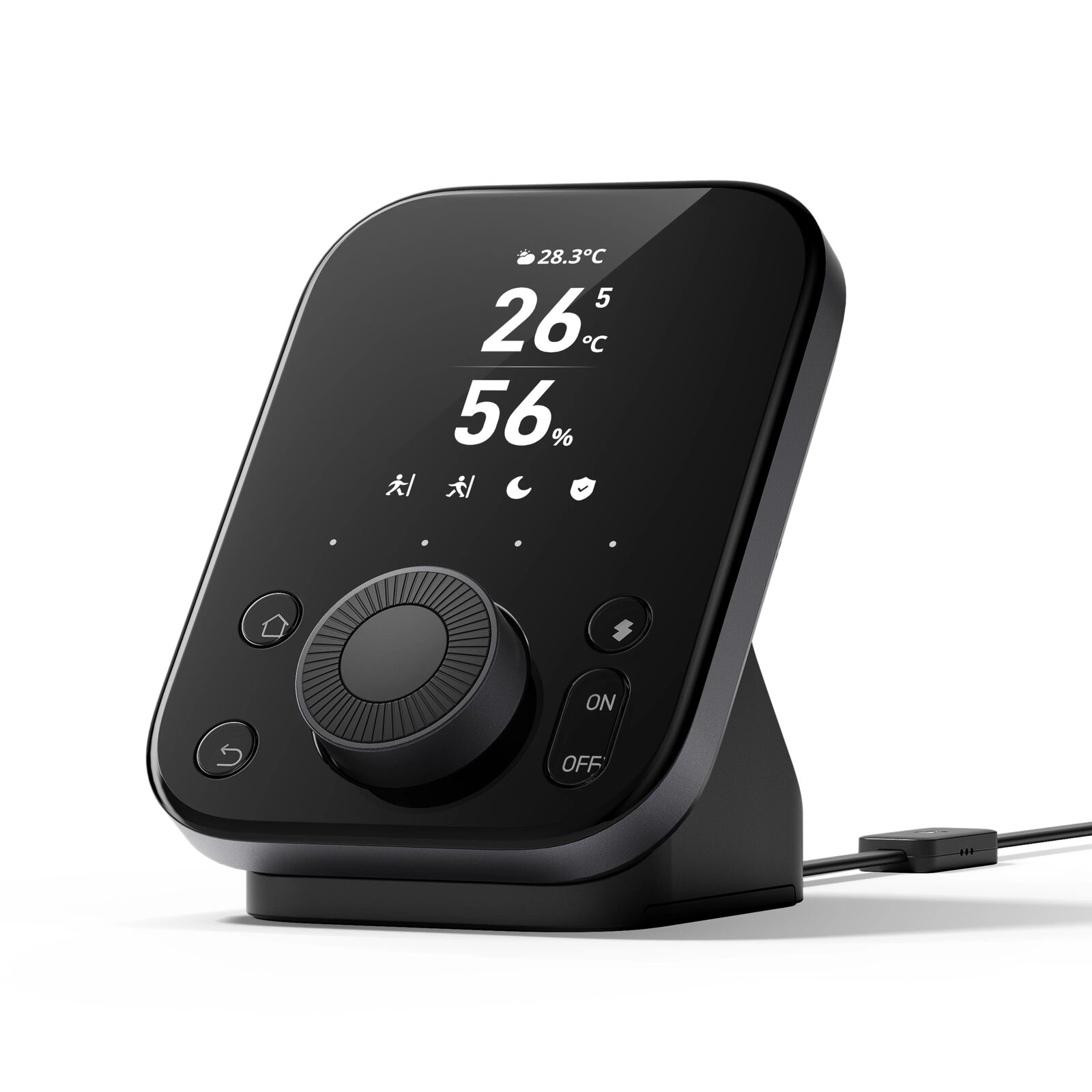 SwitchBot Hub 3
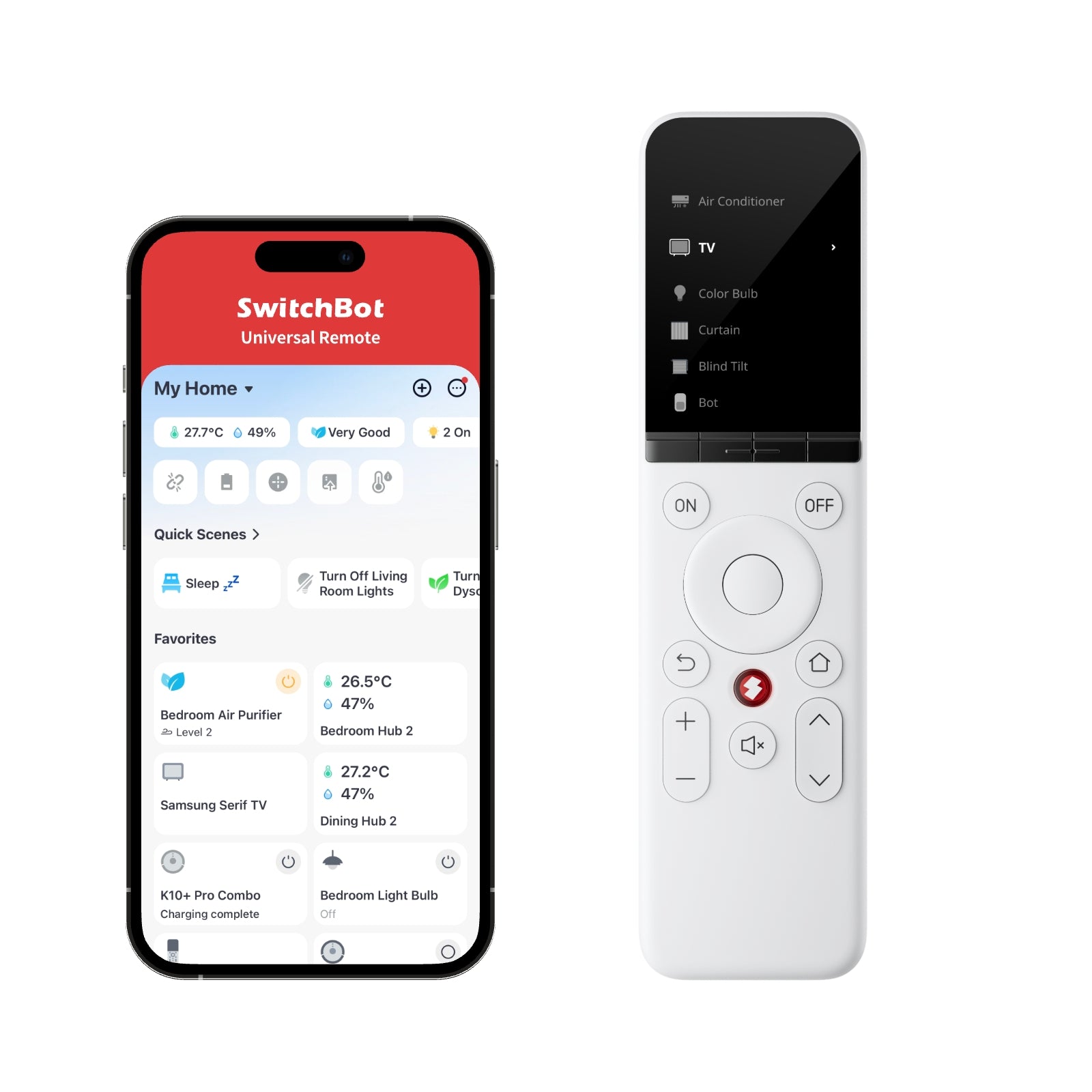 SwitchBot Universal Remote
Exact products and prices
Check the variant before comparing the amount
SwitchBot Hub 3
Matter bridge, infrared remote, scene controller and indoor climate display for a connected SwitchBot home.
SKU 810150544053SwitchBot Universal Remote
Rechargeable remote for compatible infrared appliances, supported streaming devices and selected SwitchBot products.
SKU 810150540741Each paid CJ Affiliate button opens the exact Canadian product page in a new tab. Confirm the selected package, current price, shipping, warranty and return terms before paying.
Side-by-side decision
The differences that change the choice
SwitchBot Hub 3
- Primary job
- Fixed Matter bridge, scene controller, infrared controller and indoor climate display
- How you interact
- Stationary display, dial and app-connected automation centre
- Ecosystem role
- Matter bridge for up to 30 compatible sub-devices
- Room information
- Measures and displays temperature and humidity
- Power and mobility
- Designed as a fixed room hub
- Best starting point
- Automations, Matter bridging, scenes, sensors and central infrared control
SwitchBot Universal Remote
- Primary job
- Handheld remote for compatible infrared appliances, supported streaming devices and selected SwitchBot products
- How you interact
- Rechargeable physical remote designed to stay in hand or near the seating area
- Ecosystem role
- A compatible SwitchBot hub is required for the full feature set
- Room information
- No climate-sensor function is documented in RoboStead's verified product record
- Power and mobility
- 2,000 mAh rechargeable battery rated for up to 150 days
- Best starting point
- Physical buttons for everyday control of a verified compatible-device list
Choose by situation
Who each product fits best
SwitchBot Hub 3
- You are building the SwitchBot ecosystem from scratch.
- You need Matter bridging or app-based scenes.
- You want temperature and humidity visible in the room.
SwitchBot Universal Remote
- You want tactile controls instead of opening an app.
- Your exact TV, streamer or infrared appliance is supported.
- A compatible SwitchBot hub is already part of the plan.
Before buying
Five checks that prevent the wrong order
- List every device you want to control and identify infrared, Bluetooth, Matter or Wi-Fi.
- Check the exact SwitchBot compatibility list instead of assuming a brand or device family is supported.
- Plan infrared line of sight and Bluetooth range in the real room.
- Decide which controls must remain available when the internet or a cloud service is unavailable.
- In the new tab opened by the Canadian CJ partner link, confirm SKU, shipping, warranty and total price.
Curated SwitchBot comparisons
Start with the job, then compare the exact products
These pages explain when products overlap, when they complement each other and which compatibility check decides the purchase.
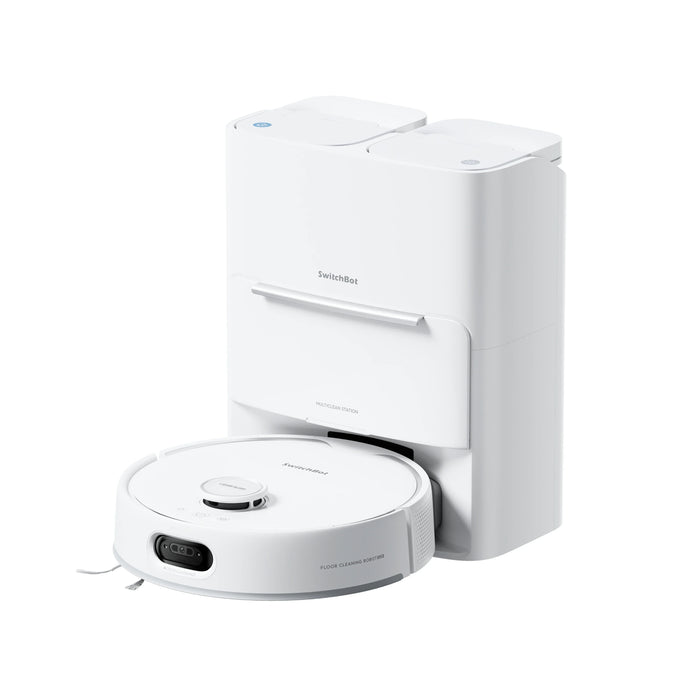
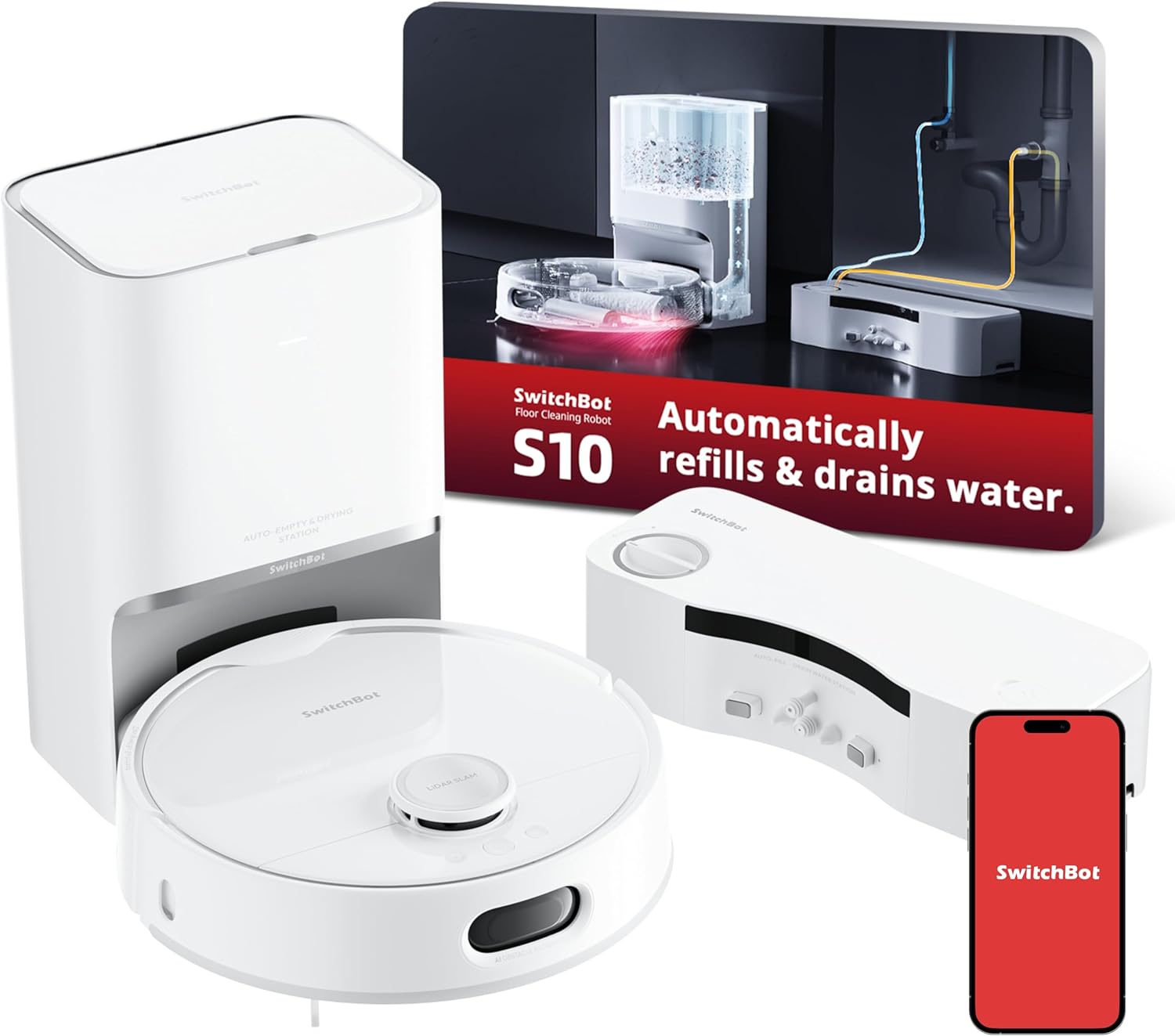

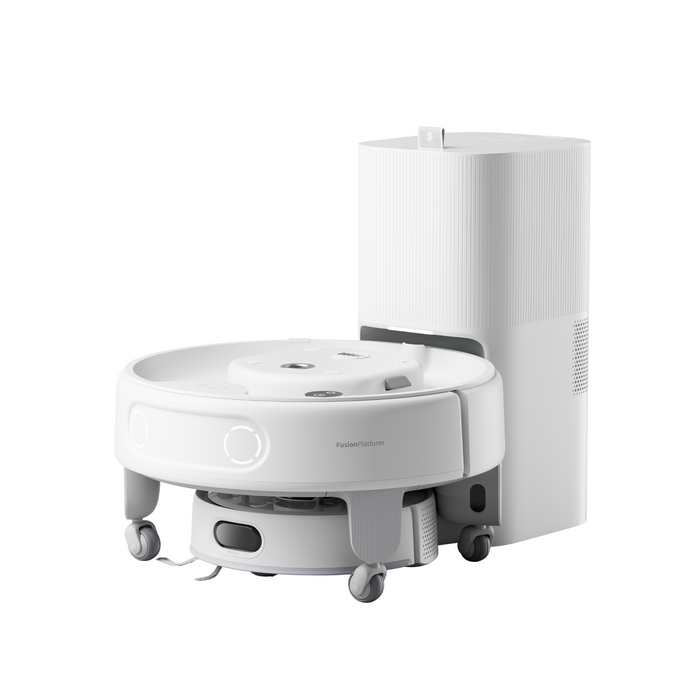
Best SwitchBot robot for Canada: S20 vs S10 vs K10+ Pro Combo vs K20+ Pro
For most mixed-floor homes, start with S20. Pick S10 when compatible plumbing makes continuous roller washing the priority; K10+ Pro Combo when stairs, furniture and tight spaces require both a mini robot and a cordless vacuum; or K20+ Pro when modular transport, pet monitoring and smart-home experiments matter more than maximum cleaning power.
Open the comparison →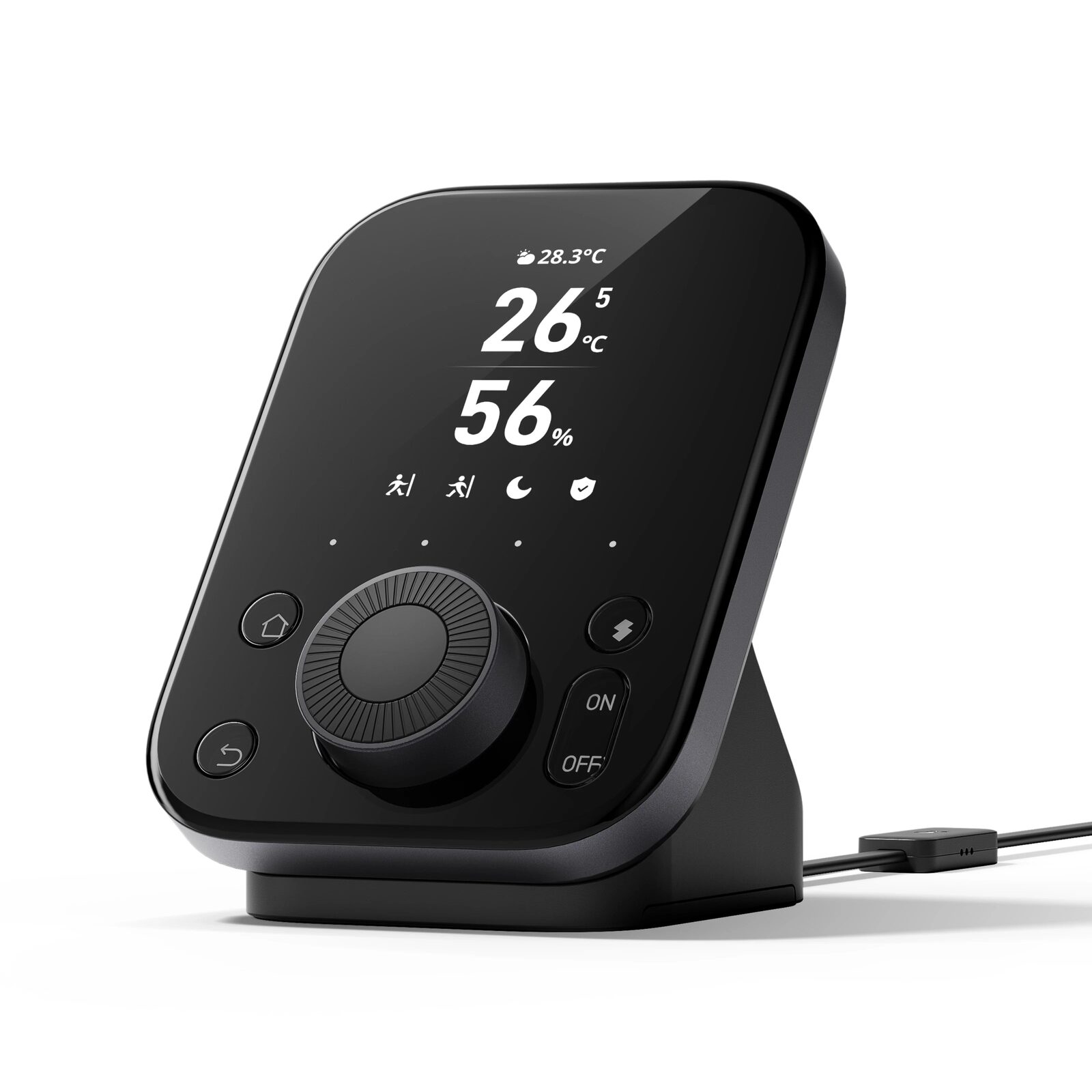
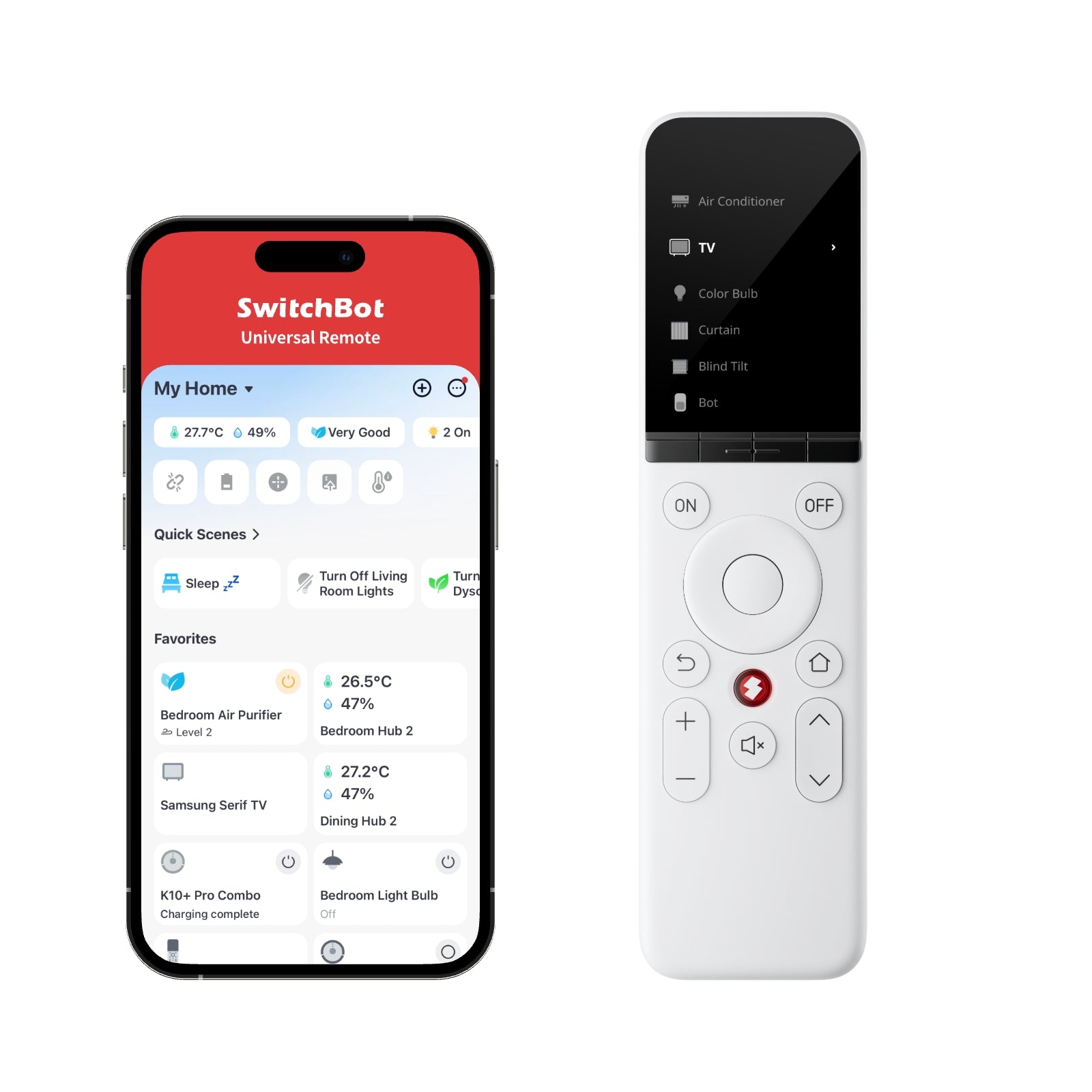
SwitchBot Hub 3 vs Universal Remote: which control centre do you need?
Choose Hub 3 first when you need a Matter bridge, scenes, infrared control and a room display. Choose Universal Remote when the priority is a familiar handheld controller for compatible devices. A complete setup can use both.
Open the comparison →
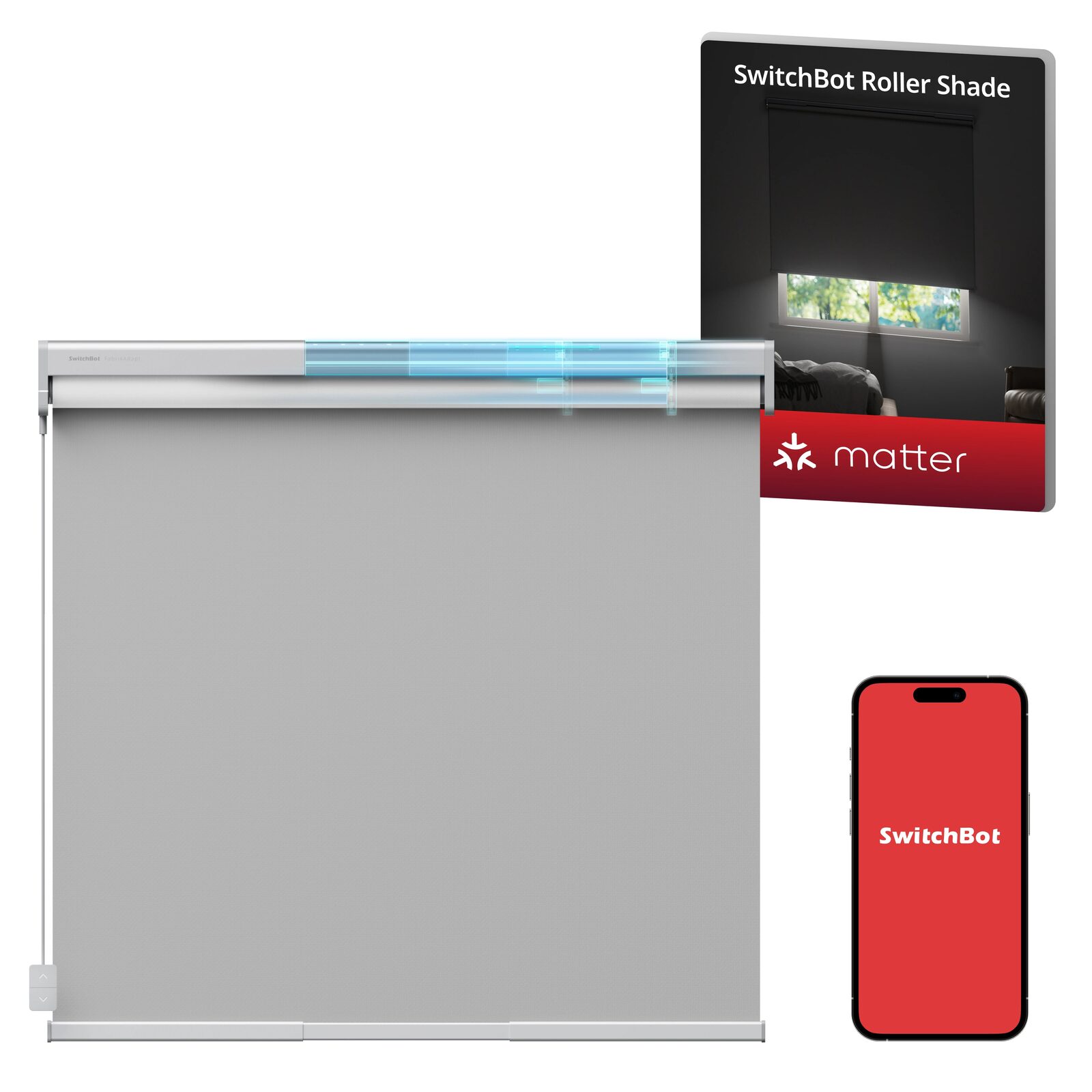
SwitchBot Curtain 3 vs Roller Shade: motorize what you have or replace it?
Choose Curtain 3 to keep compatible curtains and add motion with minimal visual change. Choose Roller Shade when you want a complete, clean-fitting motorized shade and the exact window dimensions match an available size.
Open the comparison →